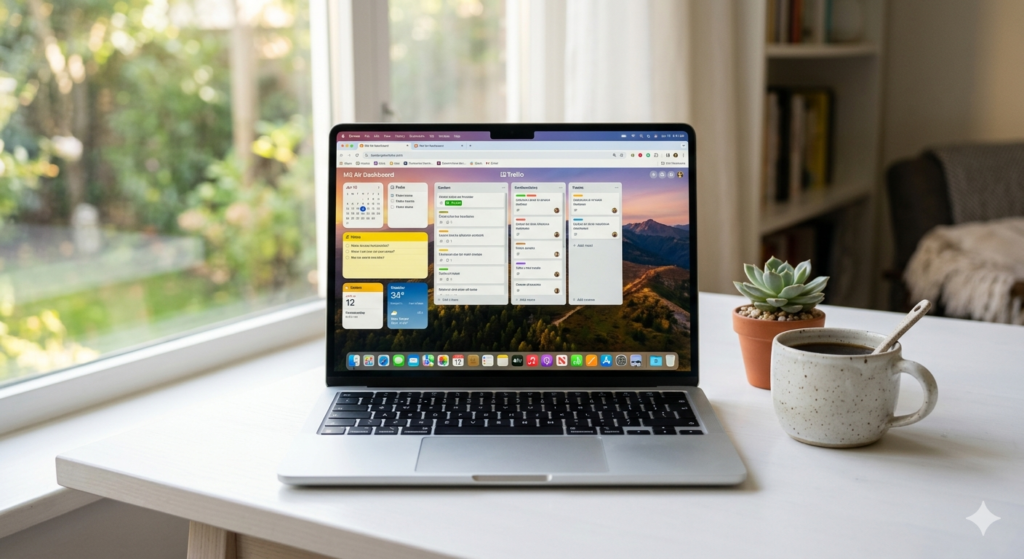
Our honest MacBook Air M3 review covers performance, battery life, display, and real-world use. Is it still the best thin laptop in 2025?
Apple MacBook Air M3 Review: Still the Best Laptop You Can Buy in 2025?
I have tested a lot of laptops over the years. Thin ones, powerful ones, expensive ones that disappointed me within a week. The MacBook Air has been a personal benchmark since the M1 era, so when Apple shipped the M3 version I was genuinely curious — not just about the raw numbers, but about whether this still deserves its reputation as the go-to laptop for most people.
Spoiler: it does. But the answer is more interesting than that.
Design and Build Quality
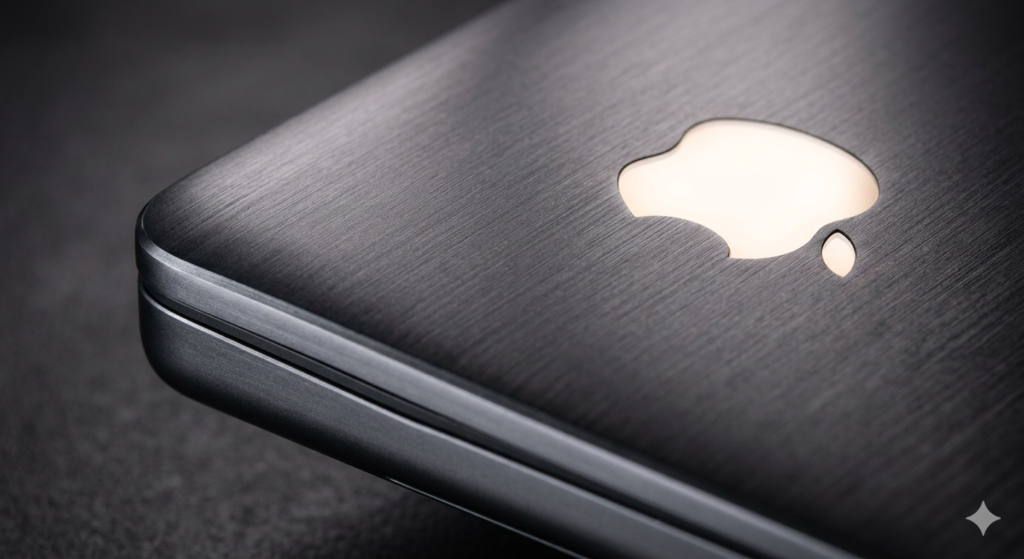
The MacBook Air M3 looks almost identical to the M2 version — and that is not a complaint. The flat-edged design that Apple introduced in 2022 still looks modern and confident. The bezels are slim, the build feels premium, and the whole thing weighs just 2.7 pounds. You barely notice it in a bag.
Available in four colors — Midnight, Starlight, Space Gray, and Sky Blue — the Air manages to feel fresh without being flashy. The Midnight finish picks up fingerprints like it has a personal grudge against clean hands, but everything else is immaculate.
The MagSafe charging port is back, and so are two Thunderbolt 4 ports and a headphone jack that actually supports high-impedance headphones. No SD card slot, which remains my only real frustration with this machine.
Performance: What the M3 Chip Actually Changes
The M3 chip is built on a 3-nanometer process, which is a meaningful jump from the M2’s 5nm. In everyday terms, this means more performance per watt — and in a fanless laptop like the MacBook Air, that matters enormously.
I threw the usual workload at it: final cut exports, large Photoshop files, browser tabs in the dozens, Slack and email and Spotify all running simultaneously. The Air handled it without breaking a sweat. Literally — it never got warm on my lap.
For more demanding tasks, the M3 brings hardware ray tracing support, which is a first for the Air line. It is not going to replace a dedicated gaming machine, but it means some modern games and professional 3D applications run noticeably better than they did on M2.
Performance Ratings
Everyday Performance ██████████ 10/10
Creative Workloads ████████░░ 8/10
Gaming Capability ██████░░░░ 6/10
Multitasking █████████░ 9/10
Thermal Management █████████░ 9/10
Display: Finally a 13-inch Screen Worth Celebrating
The 13.6-inch Liquid Retina display runs at 2560 x 1664 resolution with 224 pixels per inch. Text is razor sharp, colors are accurate, and the 500 nit brightness handles most indoor environments comfortably.
What it lacks: ProMotion (the 120Hz refresh rate found on MacBook Pro models), and mini-LED local dimming for true blacks. If you watch a lot of video content in dark rooms, you will notice the limitations. For almost every other use case — writing, design, coding, video calls — this screen is excellent.
Battery Life: The Headline Feature
Apple claims 18 hours of battery life. In practice, over a week of mixed use — long writing sessions, video calls, browser research, some light video editing — I averaged 14 to 16 hours. That is still extraordinary.
This is the laptop I stopped bringing a charger for on one-day trips. That kind of freedom changes how you travel and how you work. No other x86 laptop comes close to this level of real-world endurance at this price point.
Keyboard, Trackpad, and Speakers
The Magic Keyboard remains one of the best laptop keyboards available. The key travel is satisfying without being excessive, and the layout is sensible. The Touch ID sensor works quickly and reliably.
The Magic Keyboard remains one of the best laptop keyboards available. The key travel is satisfying without being excessive, and the layout is sensible. The Touch ID sensor works quickly and reliably.
The four-speaker sound system surprises every time. For a laptop this thin, the spatial audio performance is remarkable. I would not cancel a Bluetooth speaker subscription for it, but I also do not feel embarrassed using it for music without headphones.
Who Should Buy the MacBook Air M3?
Here is the honest breakdown:
- Students and professionals who need a reliable all-day machine — this is the clear first choice
- Creatives doing photo editing, video work under 4K, and design — the M3 handles all of it
- Anyone coming from an Intel Mac — the performance jump will feel like a completely different machine
- Windows switchers who want simplicity and longevity — macOS on Apple silicon is a genuinely great experience
It is less ideal if you need discrete GPU power, more than two ports regularly, or the 120Hz display. For those needs, step up to the MacBook Pro.
Pros and Cons
✅ PROS ❌ CONS
✔ Exceptional battery life ✘ No ProMotion 120Hz display
✔ Fanless and completely silent ✘ Only two ports
✔ M3 chip handles almost anything ✘ No SD card slot
✔ Premium build quality ✘ Base 8GB RAM feels limited for future-proofing
✔ Outstanding trackpad ✘ Midnight color shows fingerprints
✔ MagSafe charging
Final Verdict